Platforms are where your products run — for example On-site, Social or Direct. Each product is linked to a platform, and the platform shows on line items so everyone can see where an ad will appear.
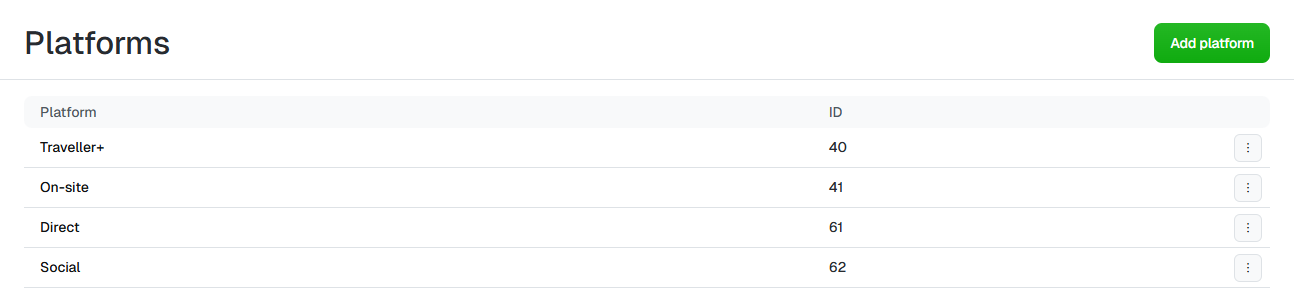
Platforms list showing Traveller+, On-site, Direct and Social with IDs

The Platforms list. The ID column is assigned automatically.


Add a platform

1

Open Platforms

Select in the sidebar, then click the tile.
2

Add a new platform

Click in the top right.
3

Name it

Enter a Platform Name, then click . Uplift Hub assigns the platform an ID.
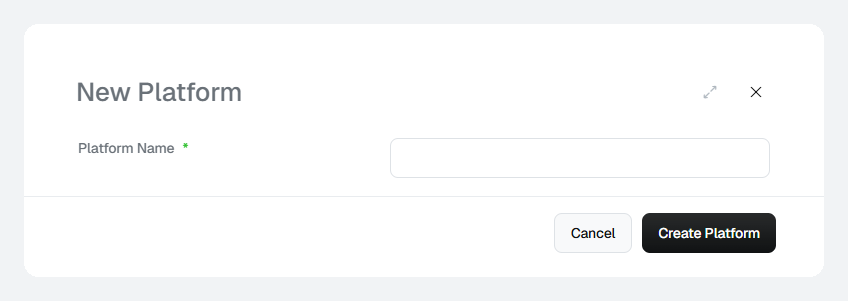
New Platform dialog with a name field

The New Platform dialog.


Rename a platform

Click the platform’s name in the list. Update the Platform Name and click .

Delete a platform

Click the ⋮ menu at the end of the row and select .
Products linked to a platform keep pointing at it. Move those products to another platform before you delete it.
Quote the platform ID when you raise a support request or match Uplift Hub data against an export — it stays the same even if you rename the platform.