

On-Site, In-App, Email or Social. The channel appears on a line item’s
product details, so you can filter and report on performance by channel.
The Channels list works the same way as Platforms:
each channel has a name and an automatically assigned ID.
Add a channel
1
Open Channels
Select in the sidebar, then click the
tile.
2
Add a new channel
Click in the top right.
3
Name it
Enter a Channel Name, then click .
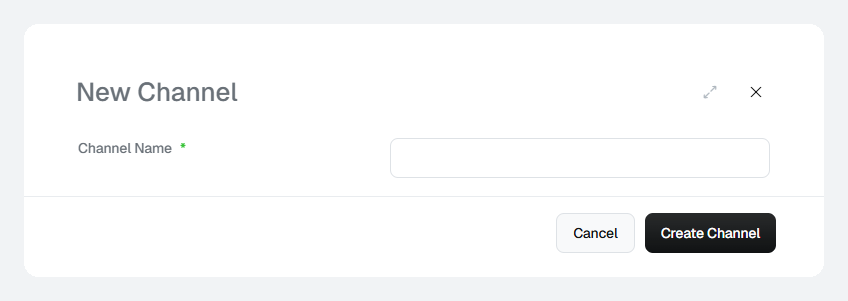
The New Channel dialog.
Rename or delete a channel
- Rename — click the channel’s name, update it and save.
- Delete — click the ⋮ menu at the end of the row and select .
If the list is empty, no channels have been set up for your client yet. Add
the channels your team reports on before you set up products.