

- Advertising Connectors activate line items on third-party ad platforms.
- Gen AI Connectors choose the AI providers that power Uplift Hub’s AI features for your client.
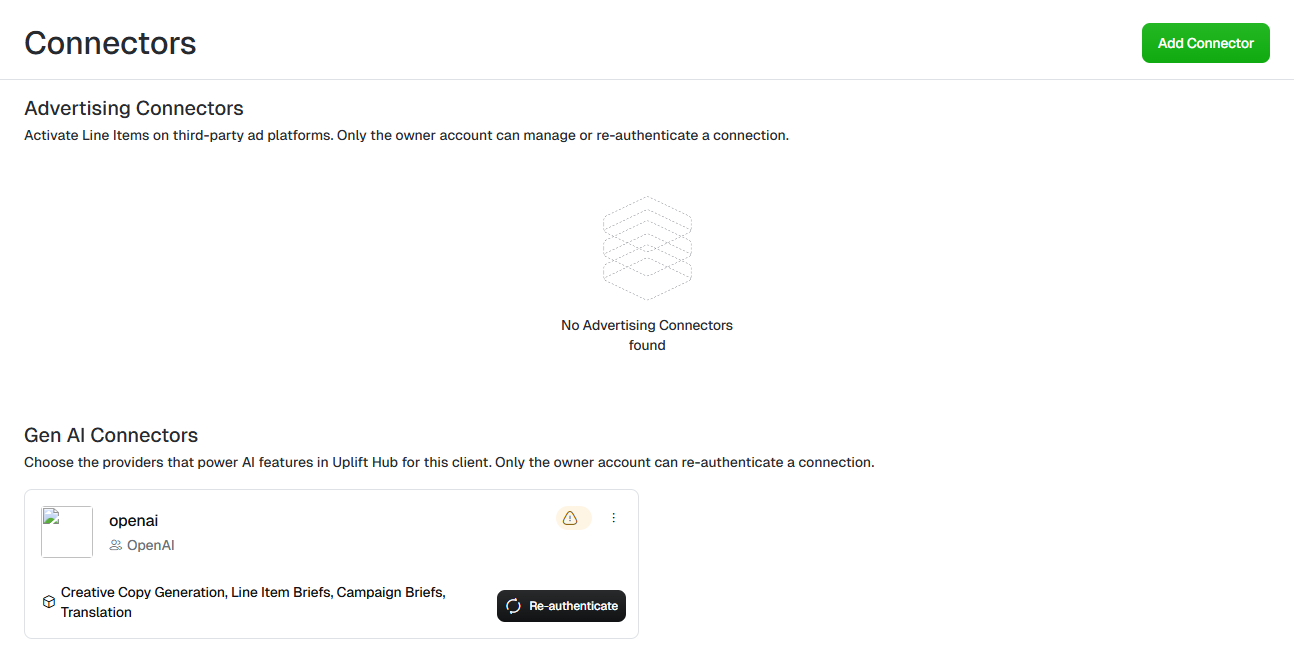
The Connectors screen.
Add a connector
1
Open Connectors
Select in the sidebar, then click the
tile.
2
Add a connector
Click in the top right.
3
Choose a service
Find the service under Advertising Connectors or Gen AI Connectors —
use the search box to narrow the list — and click its tile. Gen AI options
include Anthropic Claude, Google Gemini and OpenAI.
4
Authorise the connection
A secure sign-in page opens for that service. Follow the steps to sign in
or enter your API key, then return to Uplift Hub.
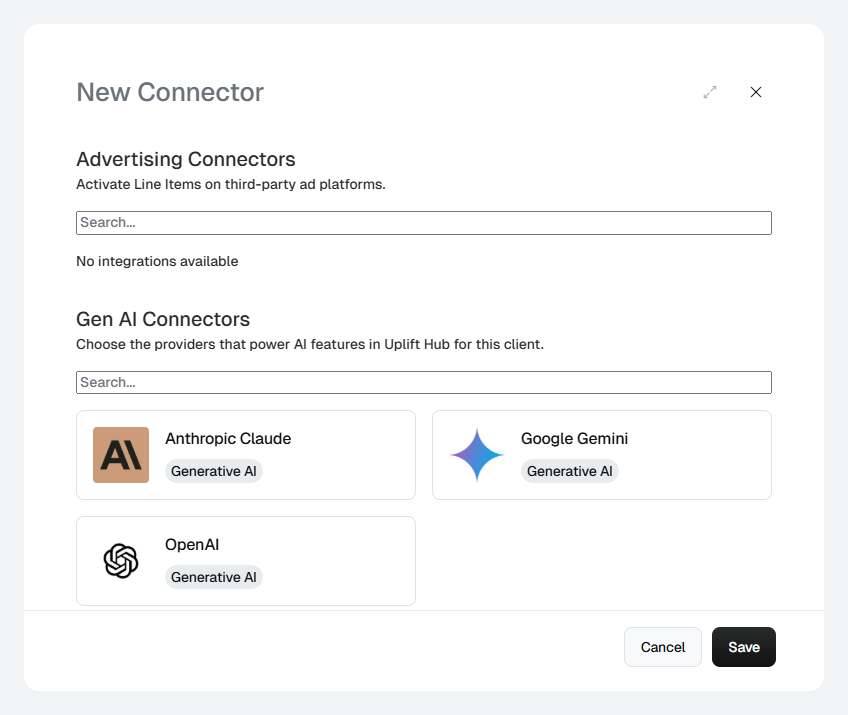
The New Connector dialog.
If Advertising Connectors shows
No integrations available, no ad
platforms are enabled for your client yet. Contact your Platform 195
representative to enable one.Connector ownership
Each connection belongs to the user who created it — its owner. Only the owner can manage or re-authenticate the connection, because it uses their credentials.Re-authenticate a connector
A warning icon on a connector card means the connection needs attention — for example, an expired key or revoked access. If you’re the owner, click on the card and sign in again.Rename, transfer or delete a connector
Click the ⋮ menu on a connector card:- — change the Connector Label shown on the card.
- — hand the connection to another user. Choose the new owner in Transfer to and click . Ad accounts and products are not affected.
- — remove the connection.
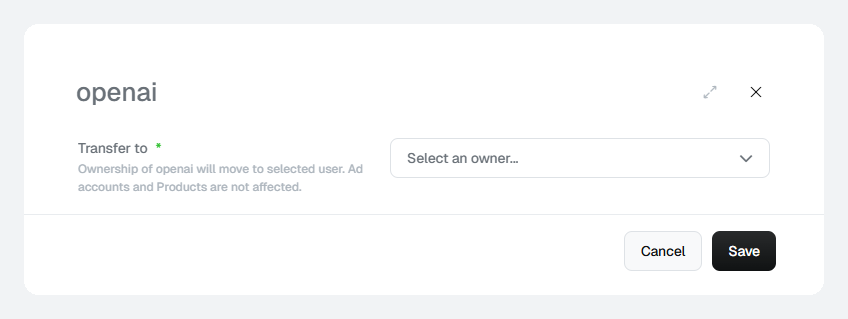
Transfer Ownership — pick the user who should own the connection.