Account types categorise the advertisers you set up as accounts — for example Hotels or Tourist Board. Use them to keep your account list consistent and make it easier to filter and report on similar advertisers.
Account Types list with Tourist Board and Hotels

The Account Types list.


Add an account type

1

Open Account Types

Select in the sidebar, then click the tile.
2

Add a new type

Click in the top right.
3

Name it

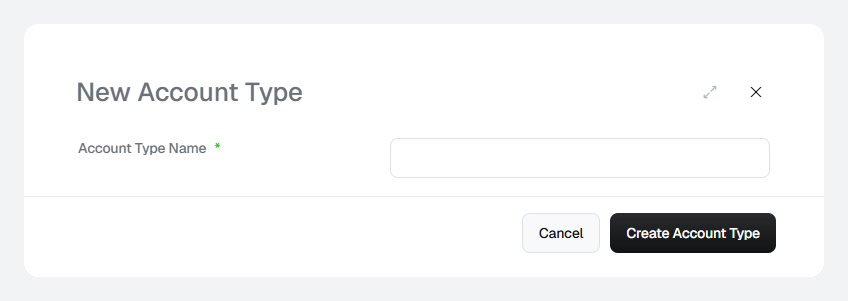
Enter an Account Type Name, then click .
New Account Type dialog with a name field

The New Account Type dialog.


Rename an account type

Click the account type’s name in the list. Update the Account Type Name and click .

Delete an account type

Click the ⋮ menu at the end of the row and select .
Check that no accounts still use an account type before you delete it.
Keep the list short and use plural, generic names (Hotels, Airlines, Tourist Boards). Use tags for anything more specific.